Create Images That
May Look More Professional.

AI-powered editing tools may help improve portraits, remove backgrounds, refine image details, and simplify everyday editing workflows depending on the original image and selected tools.

Start Editing See How It Works
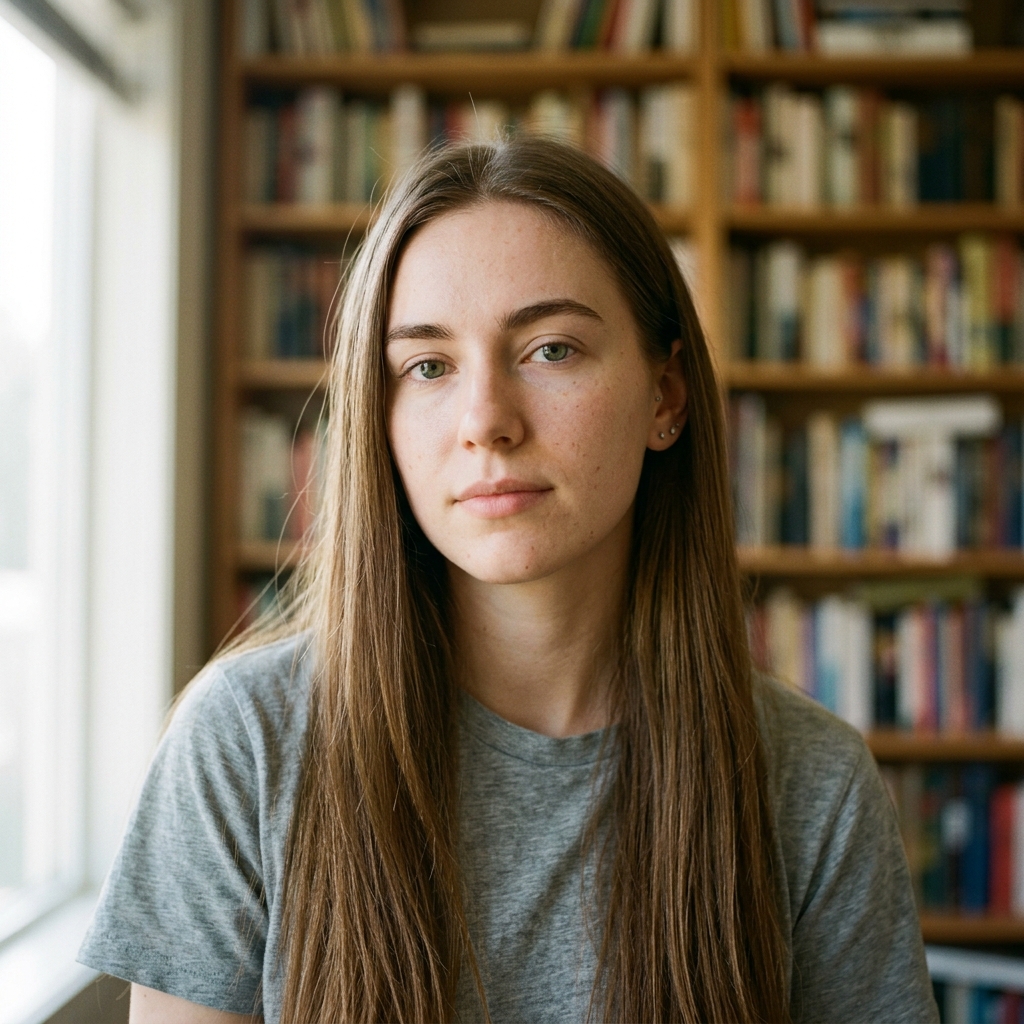
Before
Before editing
Before
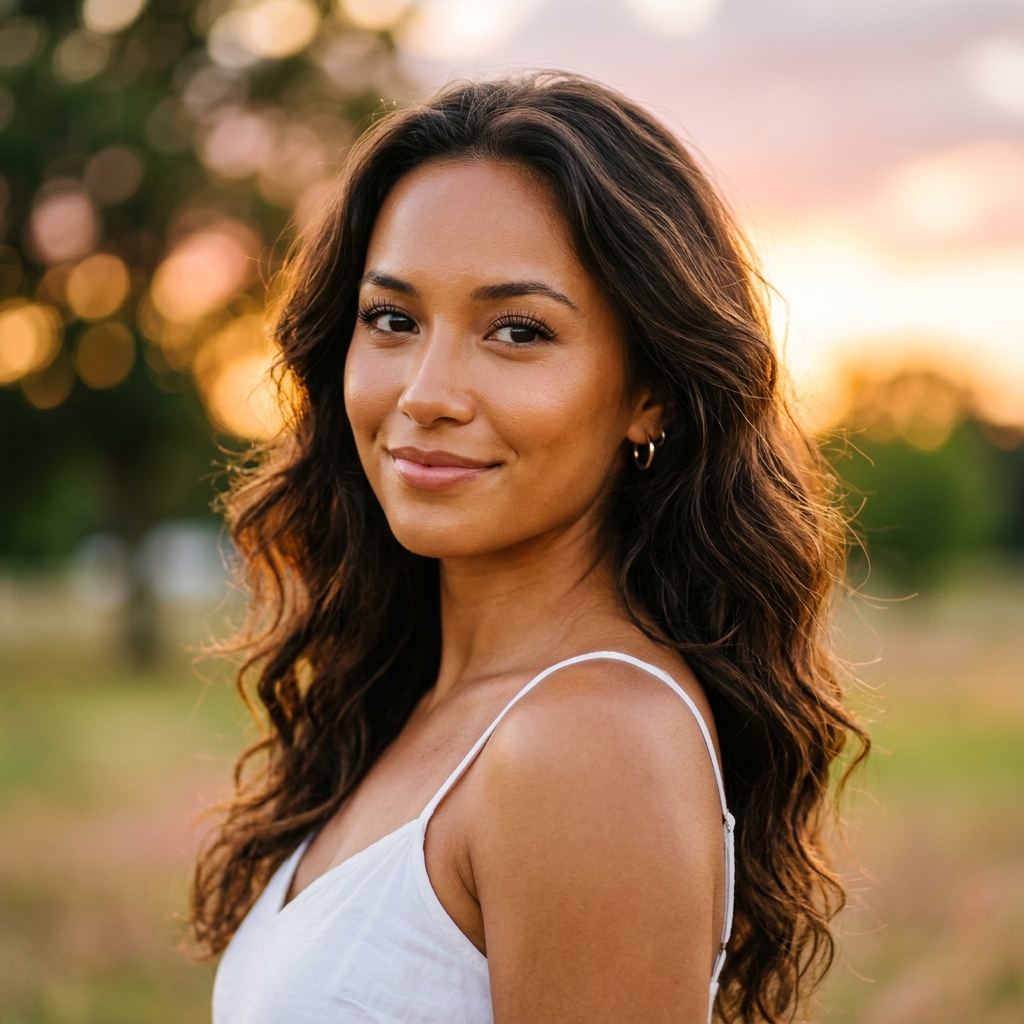
Portrait Enhanced
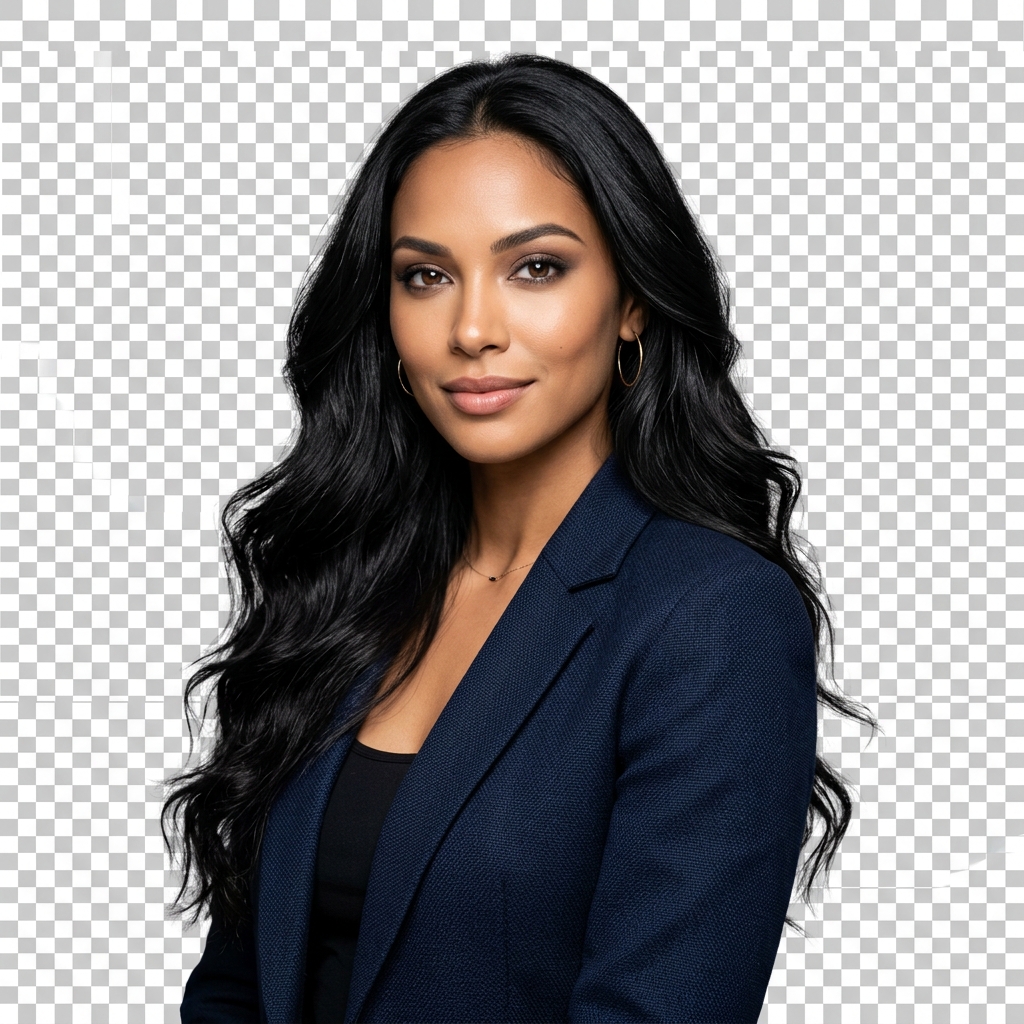
Background removed
AI Preview
AI enhanced cutout
Background Preview
Resolution Enhanced
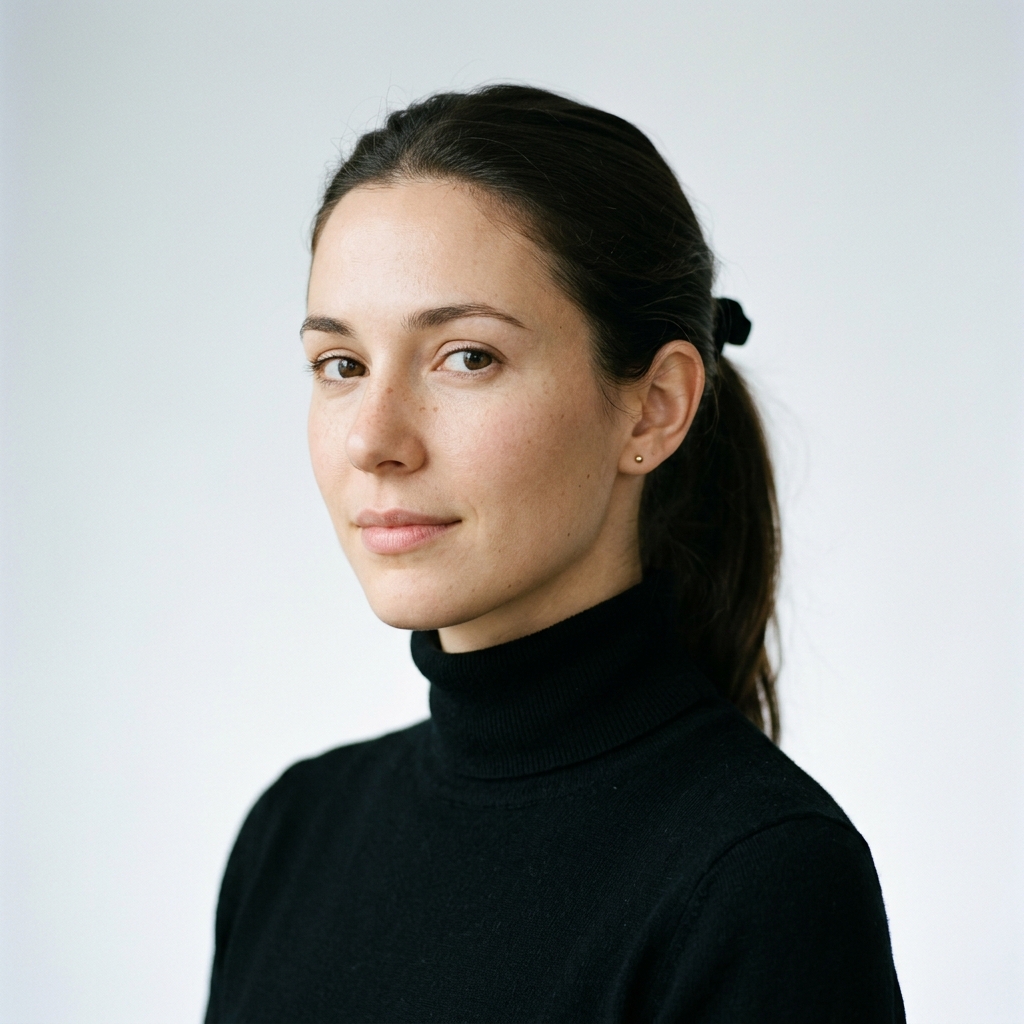
4K upscaled portrait
Portrait Refined
Portrait enhanced
Background Removed ✓ Portrait Enhanced ✨ 4K AI Upscaled Magic Object Removed Color Corrected Batch Processing Export Ready Studio Quality AI Powered One Click Editing
FEATURES

Everything You May Need for
AI-Assisted Image Editing

Discover AI-powered features that may help improve your editing workflow through background removal, object cleanup, image upscaling, and batch editing.

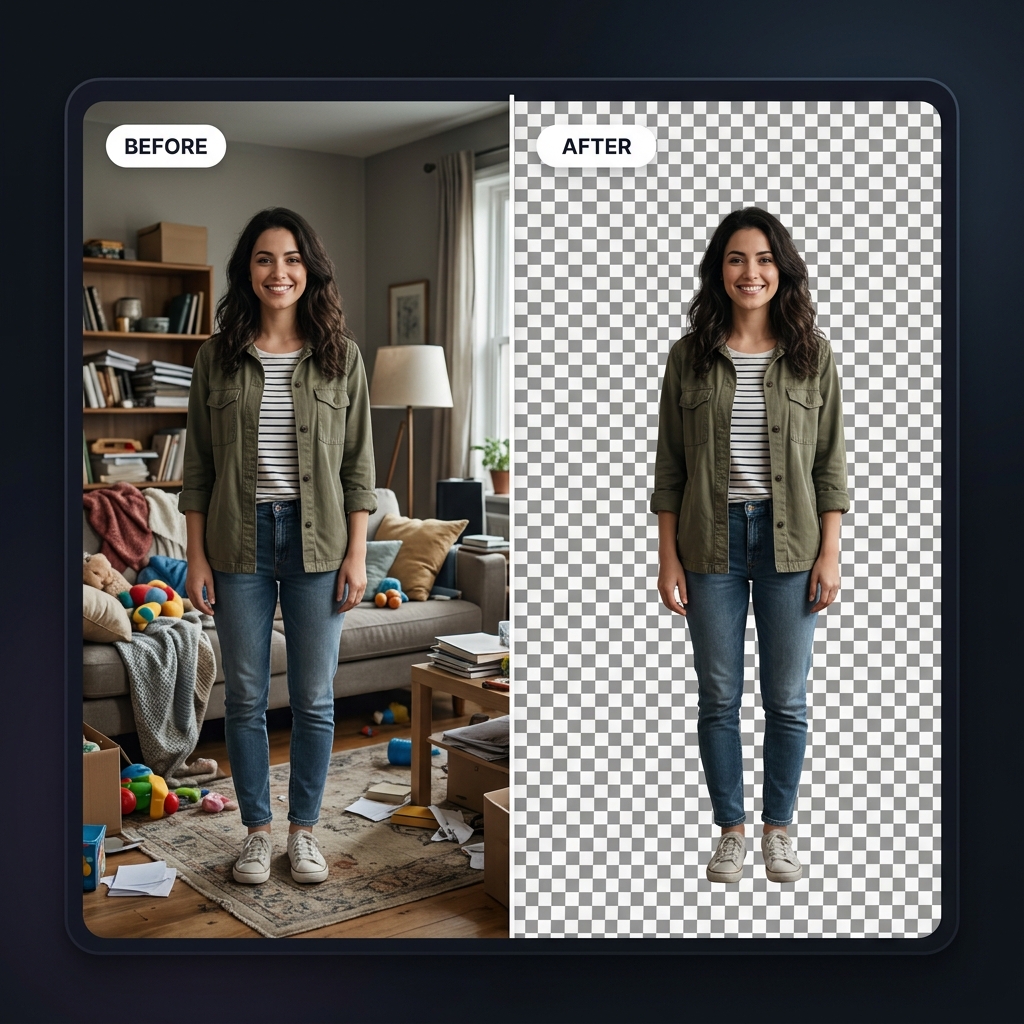
Before and after: woman with cluttered background on the left, cleanly cut out against transparent checkerboard on the right

AI Background Removal

AI-powered background removal may help separate subjects from their backgrounds while preserving important image details where applicable.
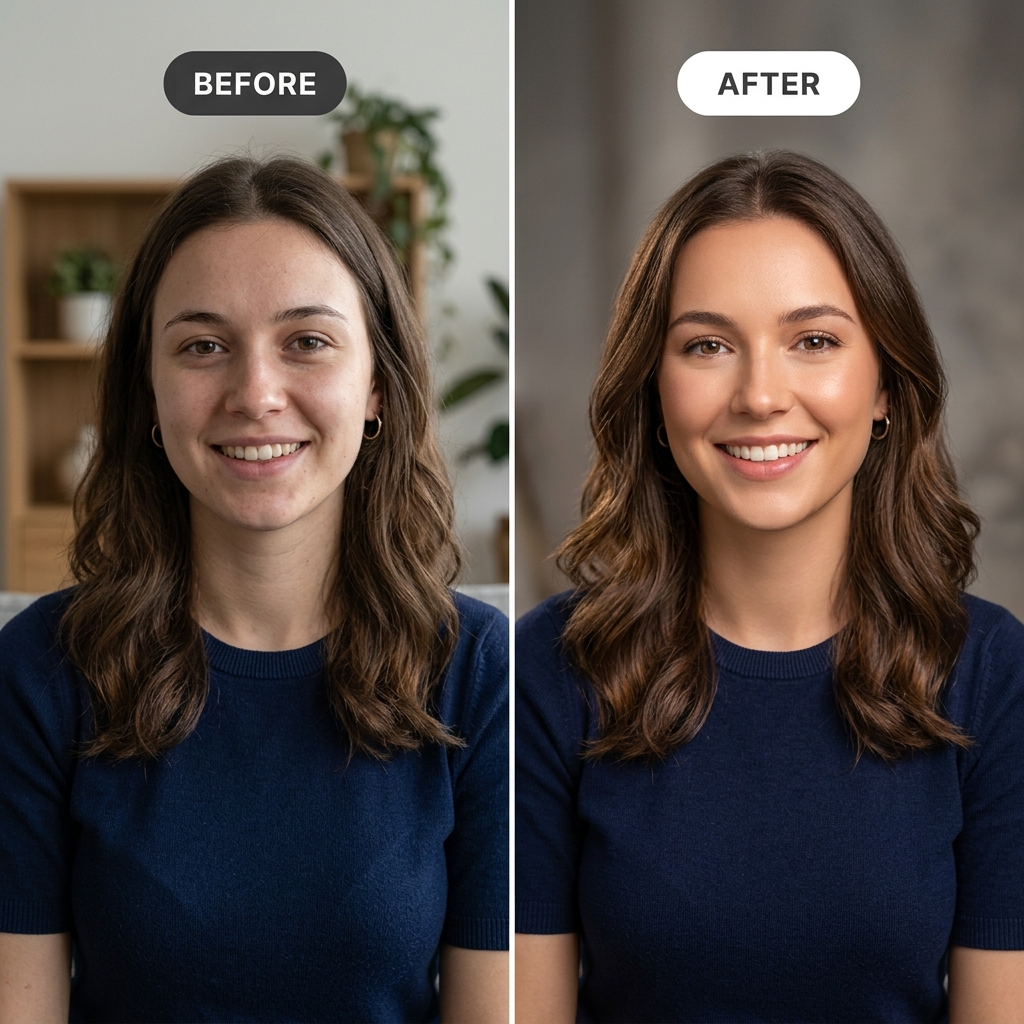
Side-by-side portrait comparison showing improved lighting and skin tone after AI enhancement

Portrait Enhancement

Portrait enhancement might help improve facial clarity, lighting, and overall portrait appearance depending on the uploaded image.
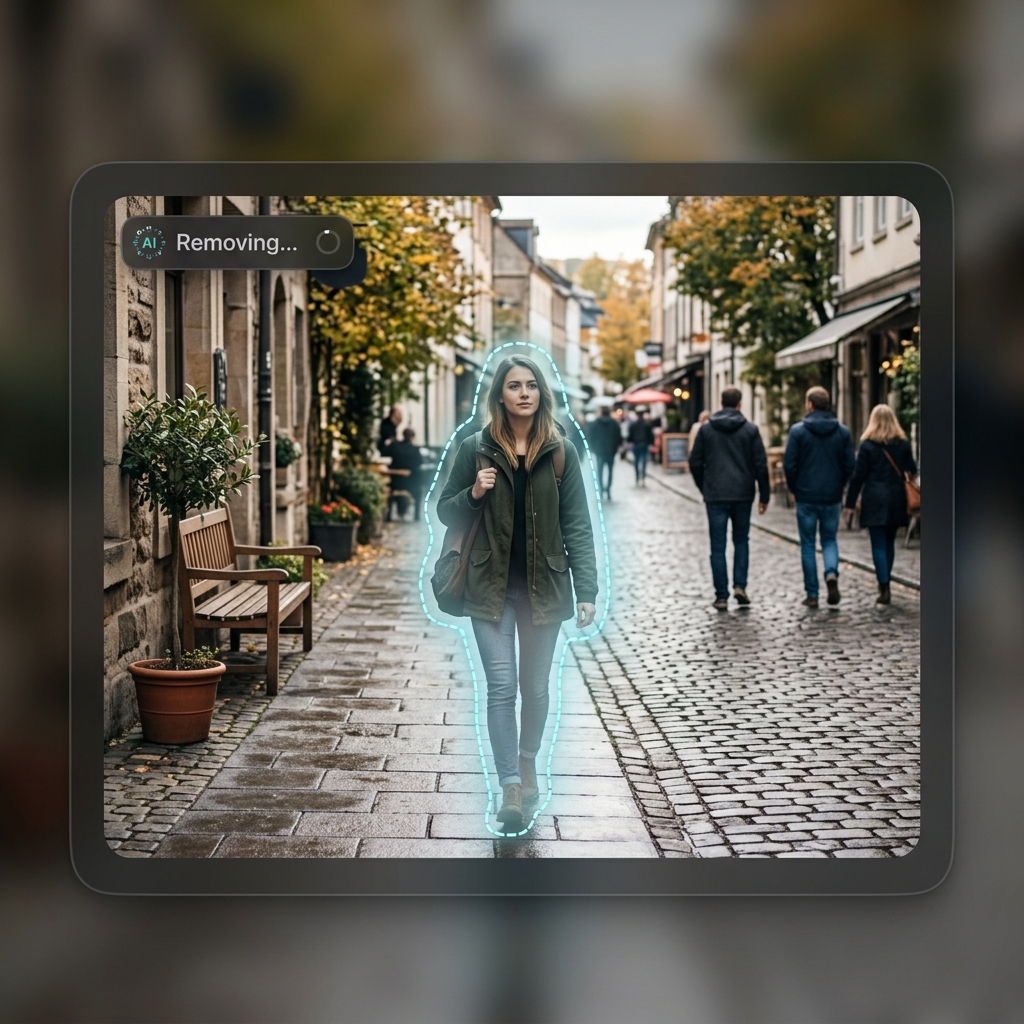
Outdoor photo with a person being erased mid-process, background seamlessly filling in

Magic Object Remover

Object removal may help reduce unwanted elements from an image while maintaining surrounding visual consistency where possible.
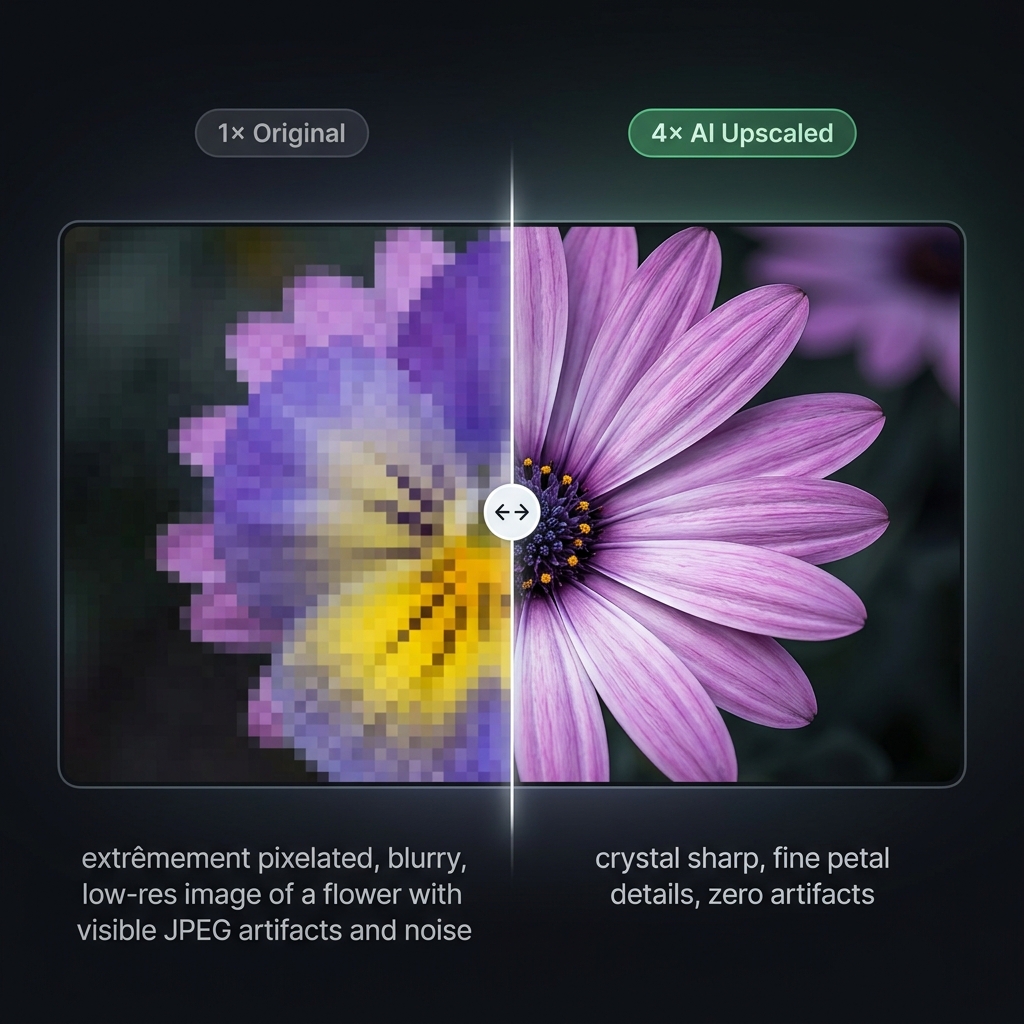
Zoomed crop comparison: blurry pixelated image on the left versus crystal-sharp AI-upscaled version on the right

AI Image Upscaler

AI image upscaling might help increase image resolution while preserving visible details depending on the original image quality.
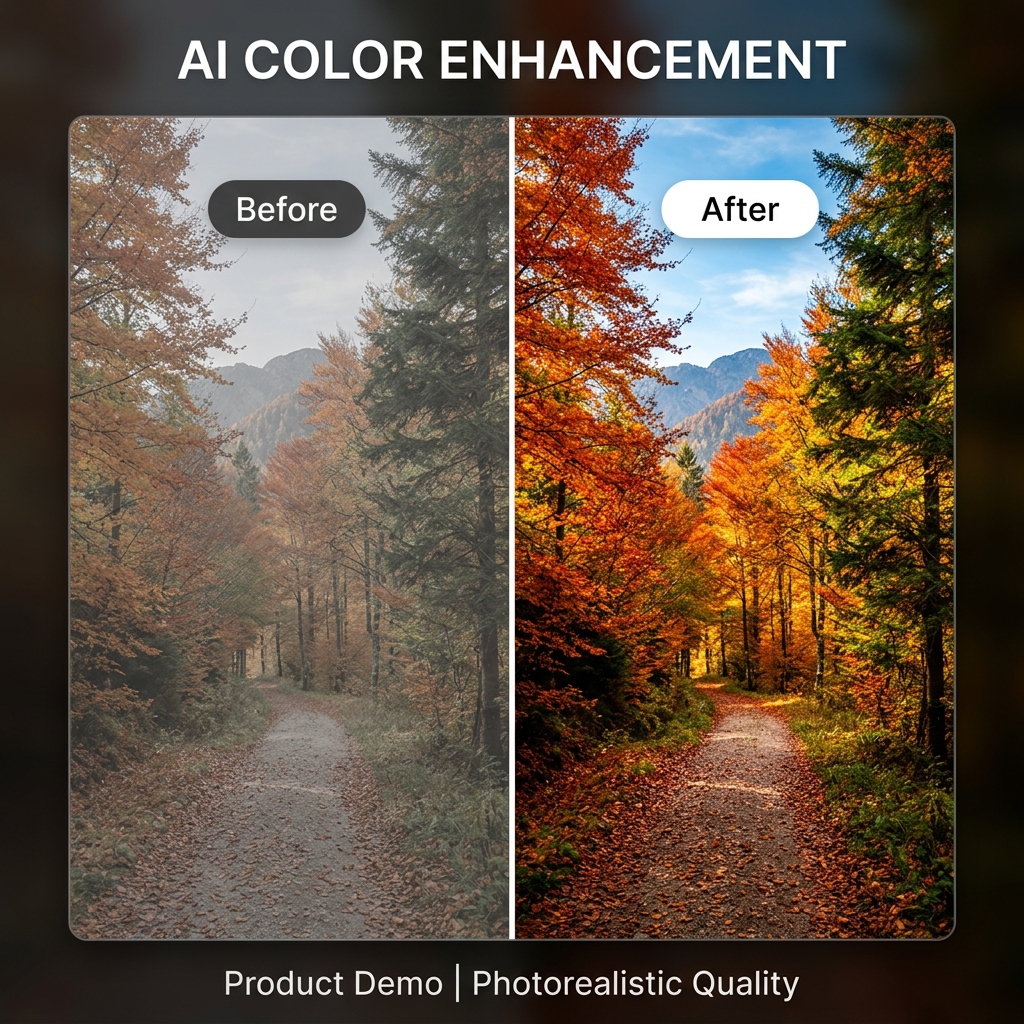
Before and after color enhancement: flat desaturated landscape becoming vibrant with cinematic tones

Color Enhancement

Color enhancement may help adjust tones, contrast, and overall color balance for a more refined visual appearance.
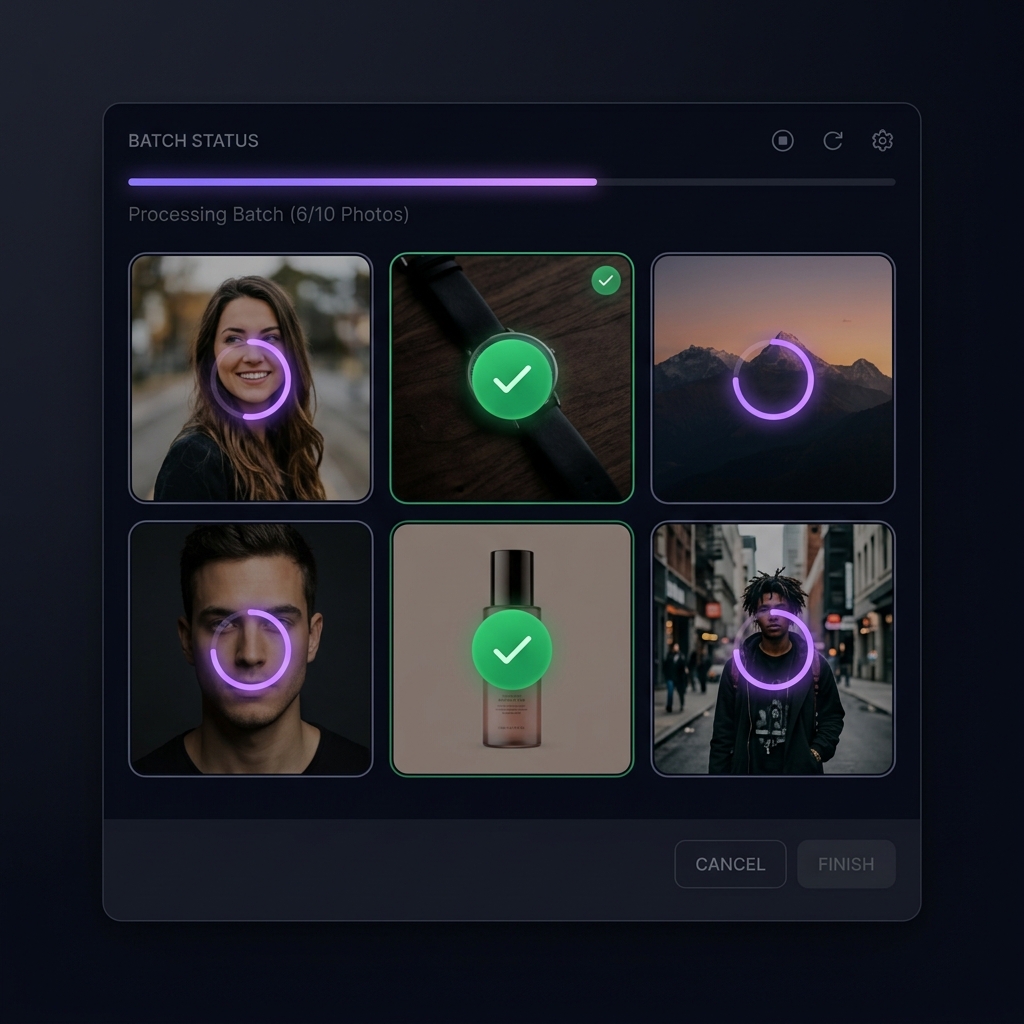
Grid of thumbnail photos being processed simultaneously with AI batch editing

Batch Editing

Batch editing might help simplify repetitive editing tasks by applying selected settings across multiple compatible images.

900+
Users May Explore Tools
12k+
Images May Processed
4/5
Repeat Users We May Get
10s
Avg. Edit Time May Experience
HOW IT WORKS

From Raw Photo
to Publish-Ready.

Transform any image into a professional result in three simple steps.

STEP 01

Upload Your Photo

Upload or import your image from your device. The platform may accept commonly used image formats depending on file compatibility.
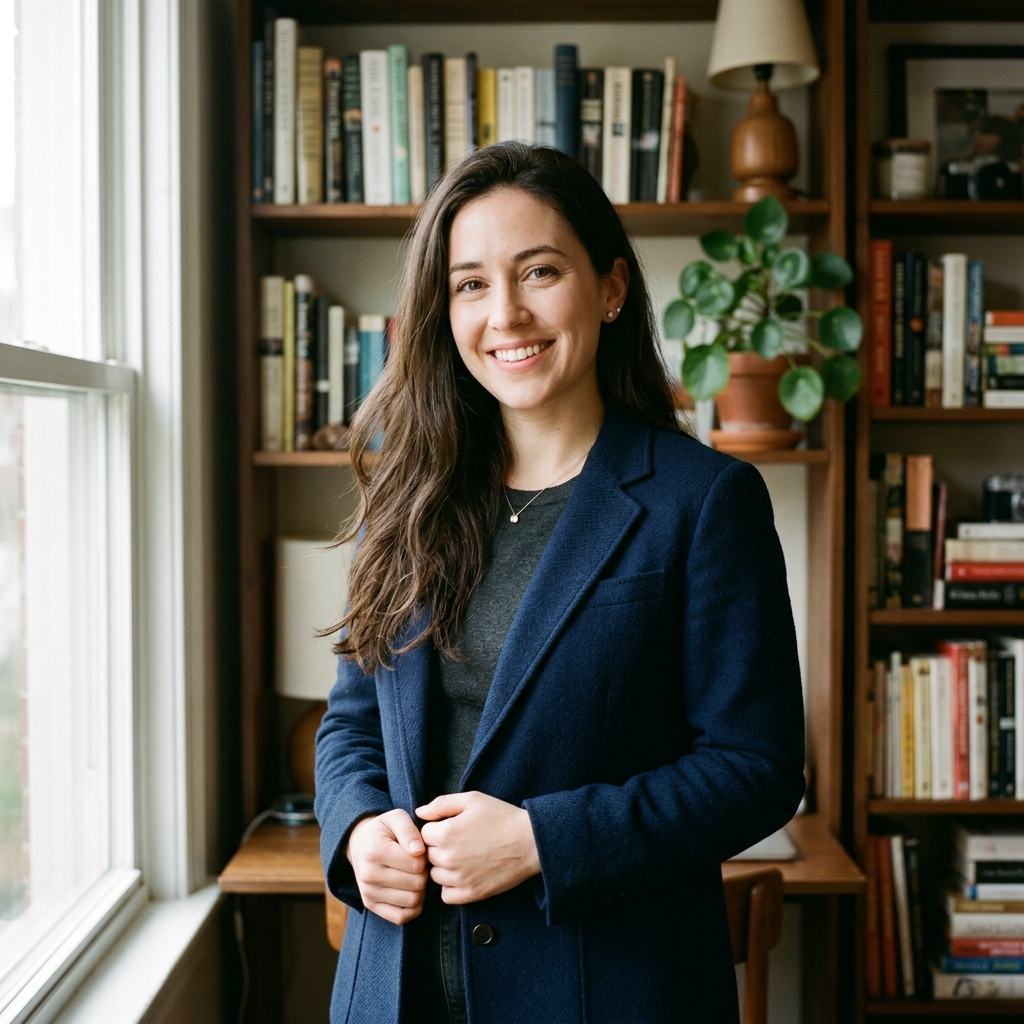
✓ Drag & Drop ✓ Local Import ✓ Up to 20 MB
PicsEdit Studio • Import Photo
Drag & drop raw photo file here
or click to browse local files
Uploaded photo thumbnail
portrait_master_raw.jpg
4.2 MB • ✓ 100% Uploaded
Supported Formats: JPEG PNG WebP GIF
STEP 02

Choose Your AI Tool

Select from available AI-assisted editing tools that may help address different image editing needs depending on your workflow.

✓ AI Editing Tools ✓ Editing Presets ✓ Manual Controls
PicsEdit Studio • AI Engine v4.2
⚡ Neural Engine Active
Background Removal
Portrait Enhance
4K Upscale
Magic Eraser
AI canvas preview cutout ⚡ Subject Isolated • 0.04s
STEP 03

Export & Share

When your edits are complete, you may export your image in available formats or may share it according to the options provided on the platform.

✓ Available Formats ✓ Sharing Options ✓ Cloud History
PicsEdit Studio • Export Finished
Export Complete & Publish-Ready
High-resolution PNG with transparent background
Export preview thumbnail
Format: PNG (24-bit Alpha)
Resolution: 3840 × 2160 (4K HD)
File Size: 4.2 MB
COMPARE

See the AI Difference.

Drag the slider to compare the original image with the AI-enhanced version.

PicsEdit Compare Studio
Before: Original photo with dull tones and soft details
After: AI-enhanced photo with rich colors and sharp details
BEFORE AFTER
PRICING

Choose a Plan That May Fit
Your Editing Needs

Explore flexible pricing options designed for individuals, creators, and teams. Each plan may provide different tools and usage limits depending on your editing requirements.

Single Day Pass

Perfect for a quick one-day editing session with no long-term commitment.

$2.00 /day
  • Short-term access to selected platform features
  • Designed for temporary or trial-based usage
  • Simple option for exploring editing tools
  • No long-term commitment required for initial access

Silver

An affordable monthly plan for light and occasional image editing needs.

$9.99 /month
  • Access to essential editing and enhancement tools
  • Suitable for light and occasional image editing tasks
  • Simple option for basic creative needs
  • May help users explore the platform experience
Most Popular

Gold

Our most popular plan — ideal for personal projects and everyday creative work.

$29.99 /month
  • Includes access to commonly used editing features
  • May suit personal projects and recurring image updates
  • Flexible option for moderate creative usage
  • Designed for everyday visual editing routines

Platinum

Expanded storage and tools for regular content creators and design workflows.

$34.97 /month
  • Expanded access to editing and visual customization tools
  • Designed for regular content and image creation workflows
  • Suitable for users exploring multiple editing styles
  • Balanced option for consistent creative use

VIP

Full access to every feature with maximum storage for power users and teams.

$39.99 /month
  • Access to the full range of available editing options
  • Suitable for ongoing creative and visual projects
  • Flexible usage for frequent image editing needs
  • May suit individuals or teams with higher activity levels

Secure Payment
Cancel Anytime
No Hidden Fees
Instant Access
FAQ

Frequently Asked Questions

Find quick answers about PicsEdit, image editing, plans, storage and platform usage.

Still have questions?

Our support team is here to help.

Contact Support
Users may upload and edit a variety of image formats depending on supported file types and platform usage guidelines.
The platform is designed to feel approachable for different experience levels, including users exploring image editing for the first time.
Plan adjustments may be available depending on account status and the options currently offered on the platform.
Editing and processing times may vary depending on image size, selected tools, and overall platform activity.
Images may be temporarily stored or processed depending on platform settings, user actions, and service-related requirements.
The tools may be explored for a variety of creative, personal, or visual content needs based on individual preferences and usage goals.